
Online Computer Course in Pakistan
1-on-1 Live Online Computer Classes
PKR 20,000 PKR 25,000
You Save 20% (PKR 5,000)
COURSE LENGTH
16 Live Sessions
CLASS TYPE
Private 1-on-1
CLASS DURATION
1 Hour / Session
CLASS MODE
Live Zoom Classes
Want to Learn Computer Skills but Don’t Know Where to Start? Struggling with Basic Tasks or Feeling Left Behind in Today’s Digital World? No worries! We’ve got the perfect solution for you. Join our Online Computer Course and learn essential skills like Word, Excel, and PowerPoint from the comfort of your home. Our experienced, professional instructors will guide you step-by-step so you can become confident and job-ready. Book your FREE Demo class today and take the first step towards upgrading your skills and future!
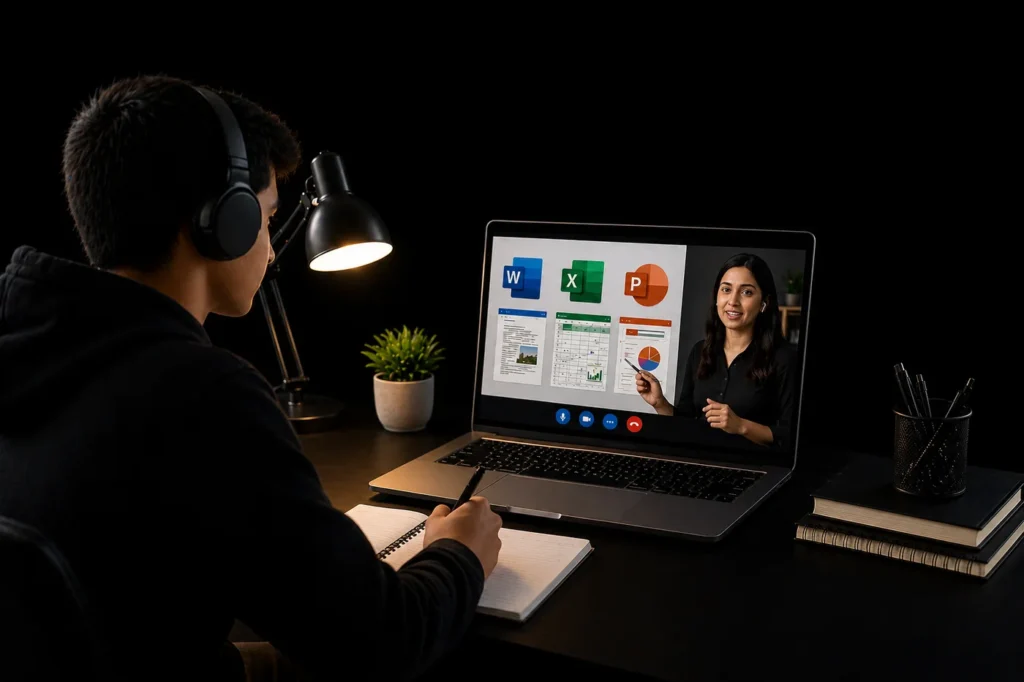
🏠 Digital Tutor Club is a registered online academy offering 1-on-1 Computer classes online in Pakistan with certified tutors.
CALL US NOW!
+92 309 4165167
Enroll Now! For Demo Class:
WHAT IS THIS PROGRAM?
This Online Computer Course is a personalized 1-on-1 live coaching system designed to help beginners learn computer skills from basic to practical level with expert guidance and hands-on practice.
The program covers Computer Basics, Windows, Internet Skills, Microsoft Word, Excel, PowerPoint, and real-world tasks so students can build practical, job-ready digital skills.
Unlike group classes, every session is fully focused on your learning speed, current skill level, and personal goals.
WHY MOST STUDENTS FAIL TO LEARN COMPUTER SKILLS?
Many students watch random YouTube videos, follow scattered tutorials, and jump Many students rely on random YouTube videos, follow scattered tutorials, and try to learn everything at once without building strong basics.
As a result, they get confused in Word, Excel, file management, and practical computer tasks.
Without proper guidance, most learners:
Feel overwhelmed
Lose confidence
Quit before reaching practical level
HOW THIS COACHING IS DIFFERENT
With 1-on-1 live coaching, every class is customized according to your level.
You learn step by step:
Computer basics & Windows usage
File & folder management
Internet & email usage
Microsoft Word (documents & CV)
Microsoft Excel (data & formulas)
Microsoft PowerPoint (presentations)
Real-life practical tasks
Each session includes live explanation, hands-on practice, and direct feedback.
THE RESULT
Students who follow this system seriously often achieve:
Strong understanding of computer fundamentals
Confidence in using Word, Excel & PowerPoint
Ability to perform real office tasks
Job-ready computer skills
Confidence to work online or offline
Why Choose Digital Tutor Club for Online Computer Course?
💻 Personalized 1-on-1 Learning Experience
This Online Computer Course is a personalized 1-on-1 live coaching system designed to help beginners learn computer skills from basics to practical level with expert guidance and hands-on sessions.
The course covers Computer Basics, Windows, Internet Skills, Microsoft Word, Excel, PowerPoint, and real-world tasks so students can build strong, job-ready digital skills from home.
⚠️ Most Students Learn the Wrong Way
Many students try to learn through random YouTube videos and scattered tutorials, but without proper guidance, they get confused in Word, Excel, file handling, and practical computer usage.
This is why most learners:
- Lose confidence
- Get stuck at basic level
- Never reach practical skills
Our 1-on-1 coaching system removes this confusion by teaching everything step-by-step according to your level.
🚀 Practical Training That Gets Results
With personalized live classes, every session focuses on practical work, direct feedback, and real-life tasks.
Students learn:
- How to create CVs in Word
- How to manage data in Excel
- How to create presentations in PowerPoint
- How to use computer skills in real jobs
This helps students gain confidence, build real skills, and prepare for jobs, freelancing, and daily digital tasks.
Online Computer Course Content
Module 1: Computer Fundamentals
- What is a computer (Hardware vs Software)
- CPU, Memory, Storage, Input/Output devices
- Keyboard & mouse practice
- Desktop, settings, basic usage
Module 2: Windows & File Management
- Desktop, Taskbar, Control Panel
- Files & folders management
- Installing apps & USB usage
- Basic troubleshooting
Module 3: Internet & Online Safety
- Google search & browsing
- Email creation & usage
- Google Drive & file sharing
- Passwords & online safety
Module 4: Microsoft Office Introduction
- MS Word (Typing, CV creation)
- MS Excel (Tables, formulas)
- MS PowerPoint (Slides, presentation)
- Google Docs & Sheets basics
Module 5: Communication & Online Tools
- Zoom & Google Meet
- Social media basics
- Uploading & downloading files
Module 6: Cloud & Printing
- Google Drive & Dropbox
- File sharing & backup
- Printing & file transfer
Module 7: Troubleshooting & IT Skills
- Fix slow PC & internet issues
- Virus & antivirus basics
- Windows installation overview
- Computer hardware basics
Module 8: Final Project & Practice
- Create CV in Word
- Excel attendance sheet
- PowerPoint presentation
- Final test & revision
Start Your Computer Learning Journey Today
Don’t let a busy schedule or lack of proper guidance stop you from learning essential computer skills. With Digital Tutor Club, you can master computer basics, Word, Excel, and PowerPoint at your own pace through personalized 1-on-1 live classes, with full support from expert instructors who focus on your practical skills and career growth.
👉 Enroll now and take the first step towards becoming confident, job-ready, and digitally skilled!
100% Money Back Gurantee
We are committed to delivering a high-quality Online Computer Learning Experience. Your satisfaction and progress matter to us. If at any stage you feel uncomfortable or not satisfied with your assigned teacher, we will change your instructor immediately at no extra cost, so your learning continues smoothly and confidently. Our goal is to make sure you understand every concept and gain real practical skills. In case classes are not delivered as promised due to our fault, we offer a full refund or an alternate tutor based on your preference.
Frequently Asked Questions
The course duration is 2 months (8 weeks), covering everything from basic computer skills to practical applications like Word, Excel, and PowerPoint.
Yes, all classes are 100% 1-on-1 live sessions, so you get full attention and personalized learning.
Absolutely! This course is designed for complete beginners. Even if you have zero knowledge, we will guide you step by step.
You will learn:
- Computer basics
- Internet & email usage
- Microsoft Word, Excel, PowerPoint
- File management & practical tasks
Yes! This is a practical-based course. You will work on real tasks like creating CVs, Excel sheets, and presentations.
Yes, we offer flexible timings so you can schedule classes according to your availability.
Yes, you will receive a course completion certificate after successfully finishing the training.
No problem! Since classes are 1-on-1, you can ask questions freely and your teacher will guide you until you fully understand.
ou can easily enroll by:
👉 Booking a FREE Demo Class
👉 Contacting us on WhatsApp: +92 309 4165167
Have more questions about Online Computer Course?
Call us now for complete guidance and enrollment support.